Docs
Watcher
Checklist/Workbench/Status/Watcher
The Watcher is a weekly or monthly check that runs on its own. Each time it fires, it goes back through GBIF, iNaturalist, and eBird (when the checklist is scoped to Aves) and rechecks for new occurrences and new species, the same recheck a reviewer would otherwise have to remember to do by hand. New occurrences on a species already in the checklist strengthen a Low or Medium evidence score; a species that was never on the checklist gets flagged as a candidate.
Who it's for
Experts monitoring a region with a lot of citizen-science activity, where the odds of a genuinely new species turning up between one publication and the next are real.

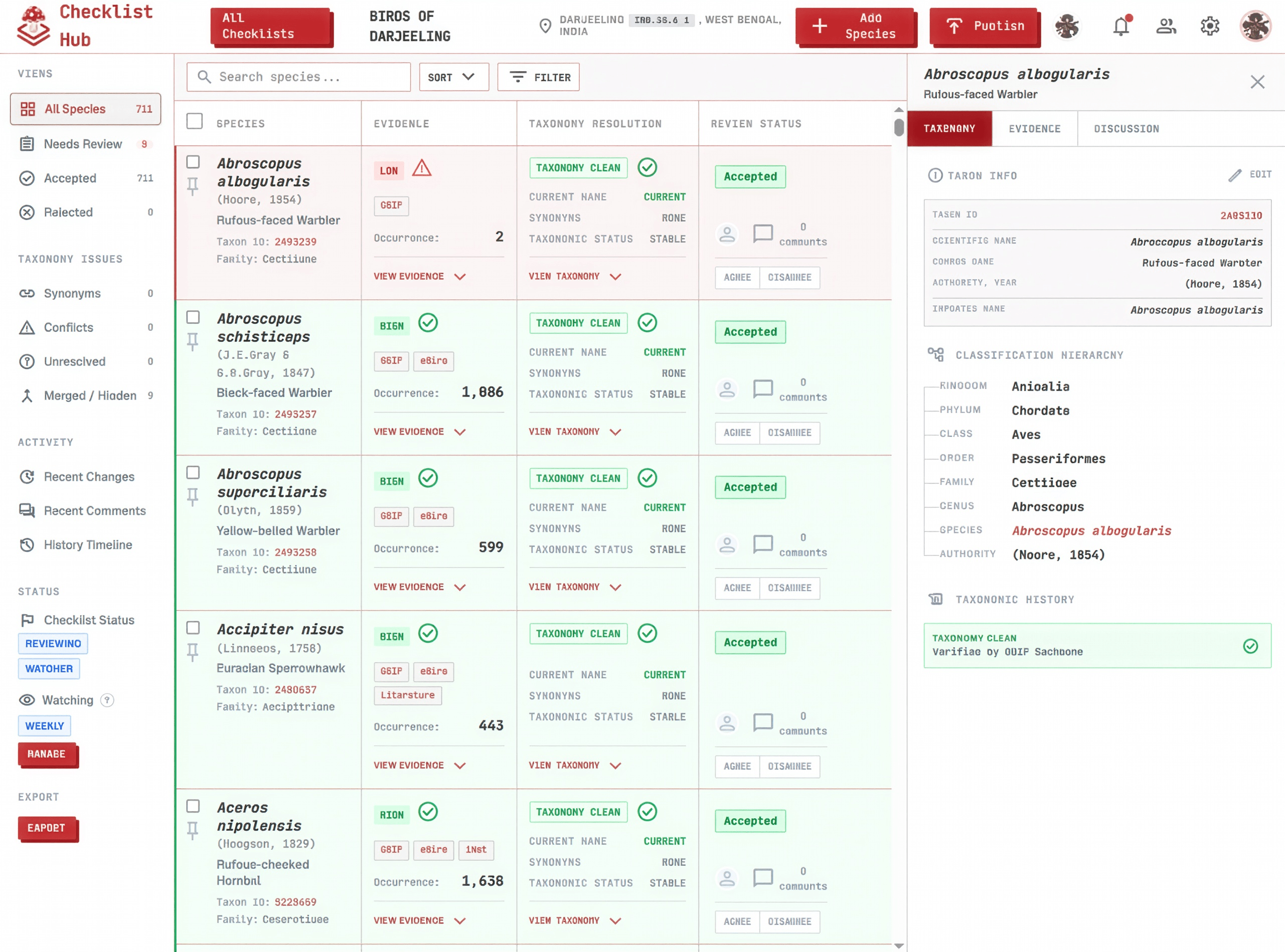
Click a step below to see it highlighted in the screenshot.
- 1
Click the button
The Watcher lives under Status in the Workbench's left sidebar. Click it to open the setup dialog.
- 2
Turn it on
Pick Weekly or Monthly, then save. The dialog shows when it started watching and exactly when the next run happens.
- 3
Alert collaborators
Add any collaborator to the alert list. When a run turns up something worth a look, everyone on that list gets an in-app notification and an email like this one.
- 4
View Watcher runs
Every run lands in the Runs list with a date and a count of what it found, so you can tell at a glance whether last week's run was quiet or worth opening. Click any run to see the detail.
- 5
New occurrences
Open a run and species already on the checklist show their previous occurrence count next to the new one, broken down by source. This is exactly what feeds the evidence score, so more occurrences found here can push a species from Low to Medium, or Medium to High.
- 6
New species
A species the run found that isn't on the checklist yet shows up on its own tab, with its occurrence count and a checkbox next to it.
- 7
Update the species table
Check the candidates worth keeping and click Update. New occurrences apply straight to the matching row's evidence, and checked candidate species get added as new rows in Needs Review. Nothing is accepted automatically. A collaborator still has to review and accept each one, the same as any other row.
Why it's worth turning on
- A published checklist doesn't have to go stale. New occurrences keep strengthening its Low and Medium evidence rows without anyone re-importing data by hand.
- The dated Runs history is a running audit trail, so you can point to exactly when a species was first flagged as a candidate.
- Because nothing applies without a click, a bad or noisy source can't quietly pollute an already-published checklist.